 Tokenmaxxing
TOKENMAXXING · MAC / IPHONE / IPAD
Your AI usage.
One clear view.
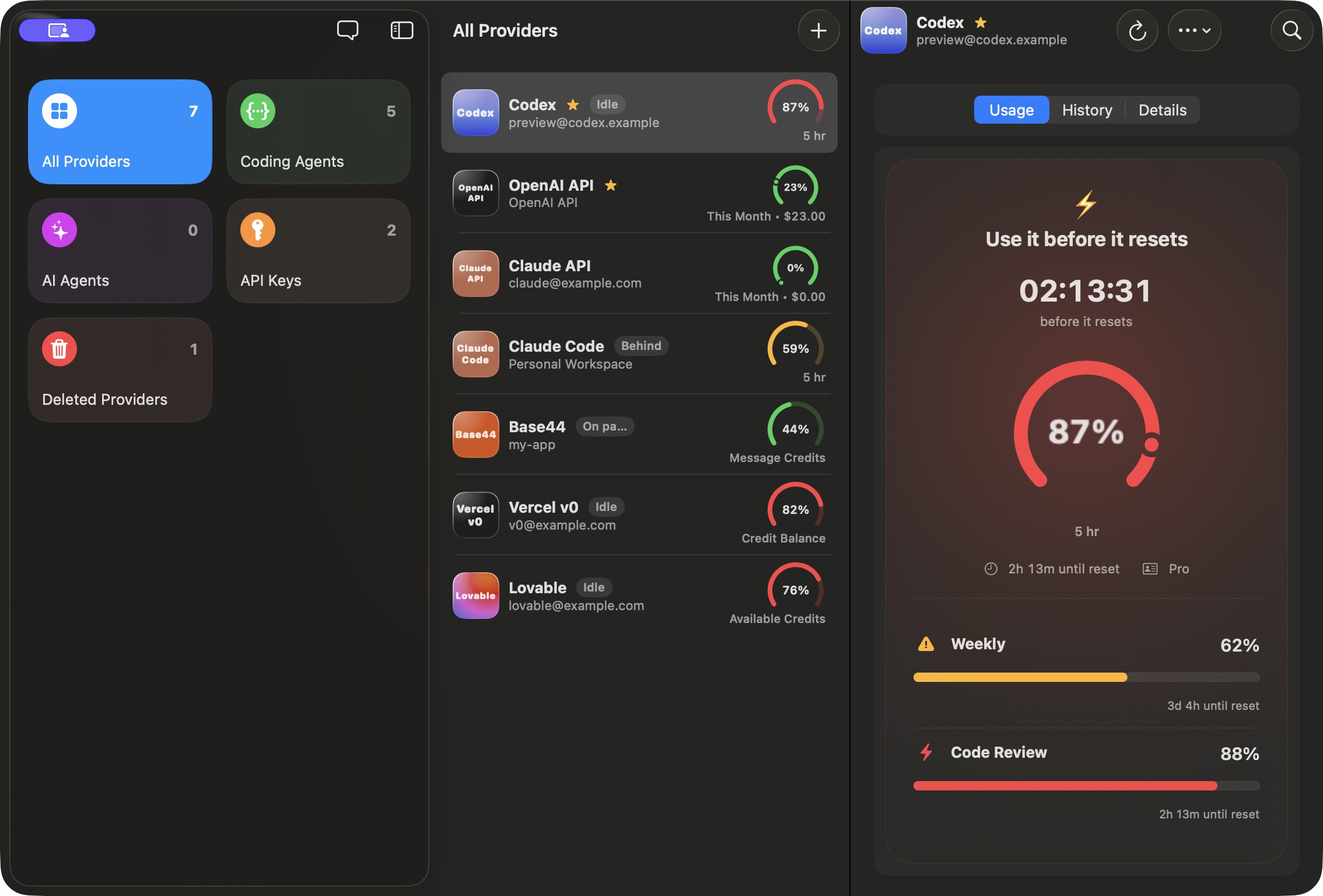
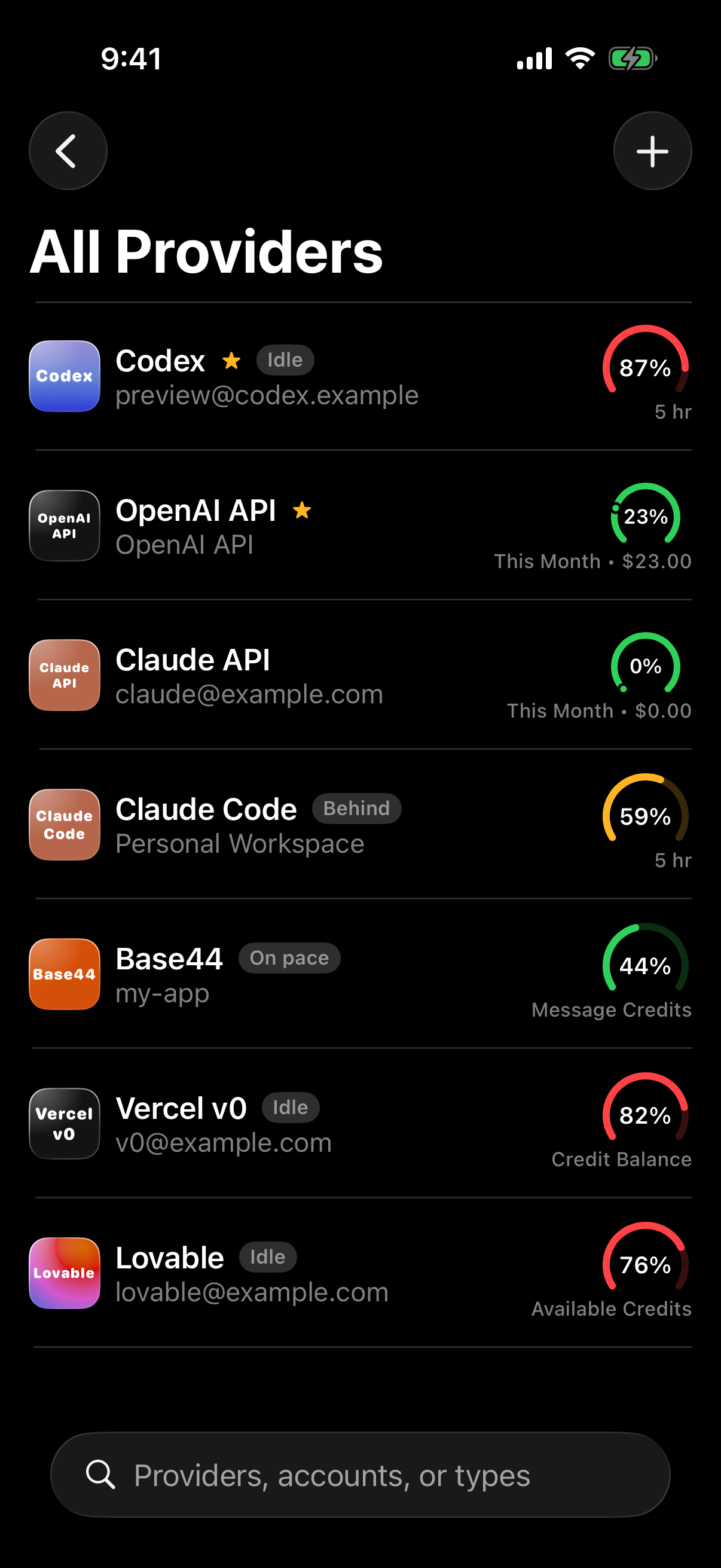
Coding-agent limits, API usage and reset alerts. Together.

For Mac, iPhone and iPad


Sample accounts shown
SUPPORTED INTEGRATIONS
 Codex
Codex Claude Code
 Claude Cowork
 ChatGPT Work
 Base44
 Lovable
 Vercel v0
 OpenAI API
 Anthropic API
BUILT AROUND YOUR AI WORKDAY
Less checking.
More creating.
See what is left. Know when it resets. Keep your work moving.

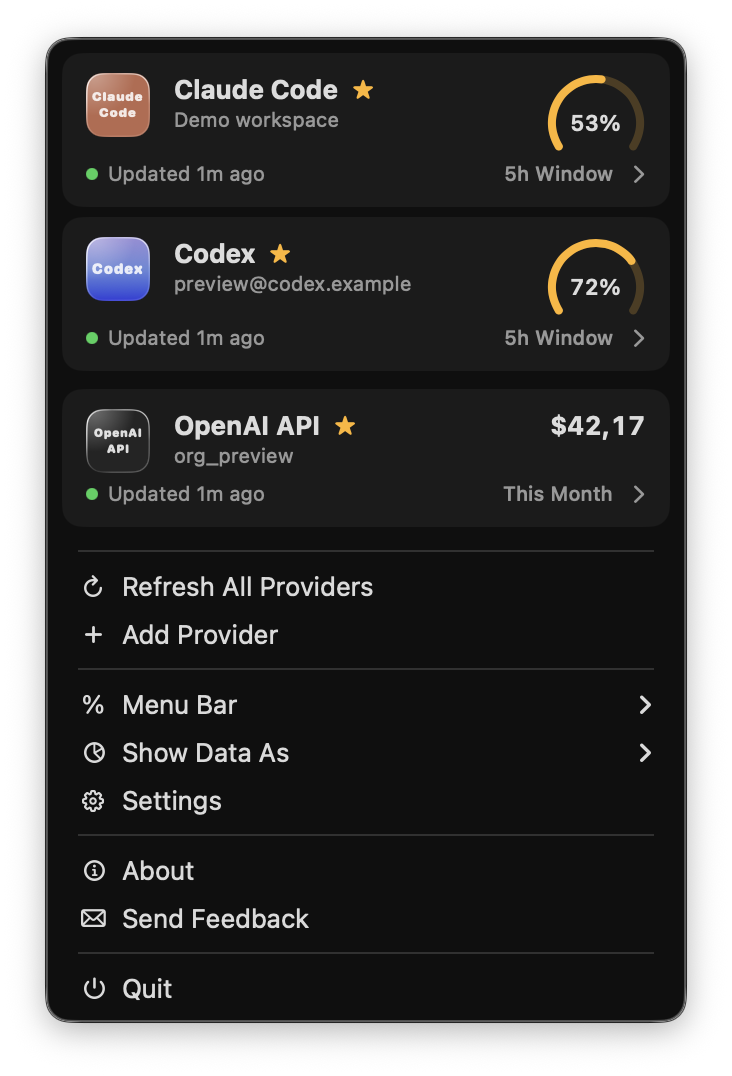 Native macOS menu · Sample accounts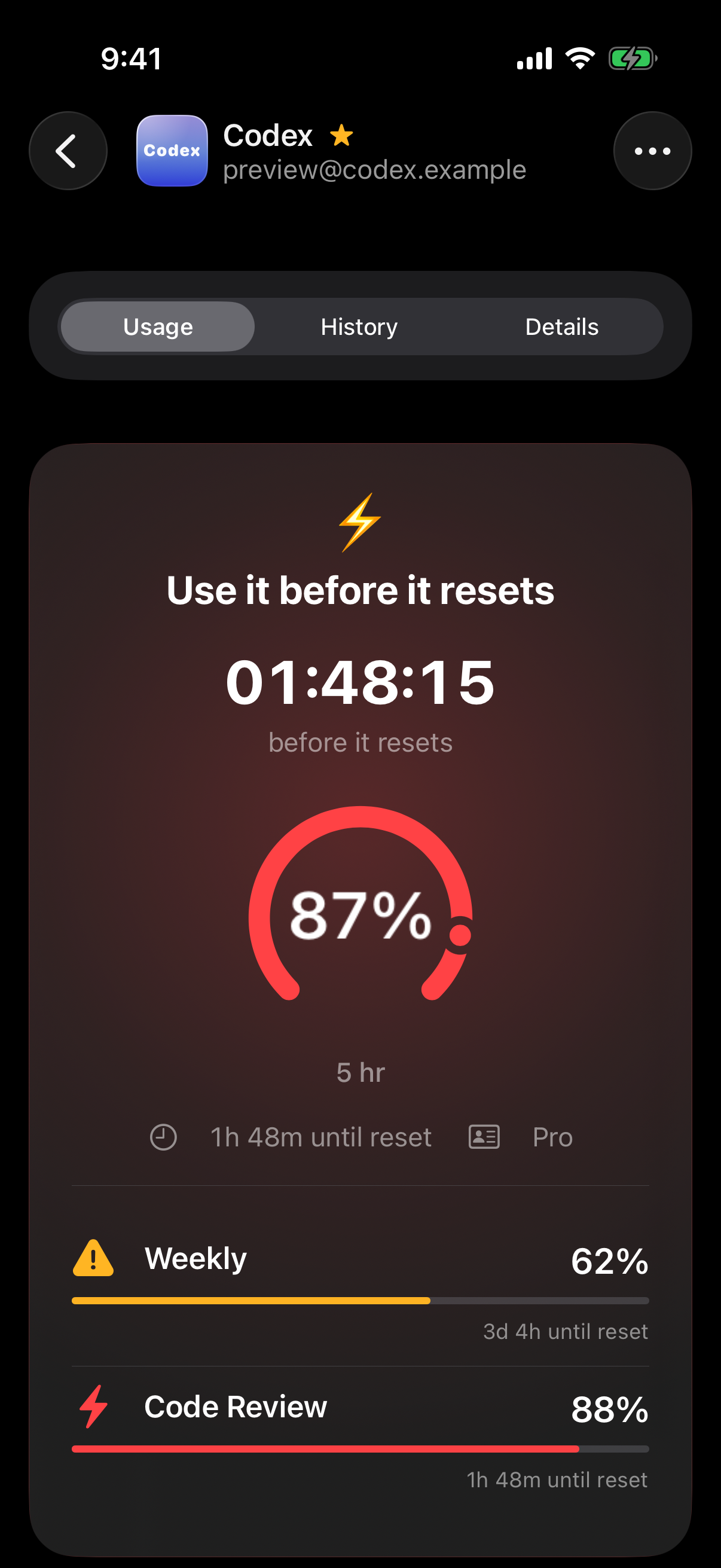

 iCloud

Send your next coding-agent prompt from this device.
 Native macOS menu · Sample accountsMenu bar
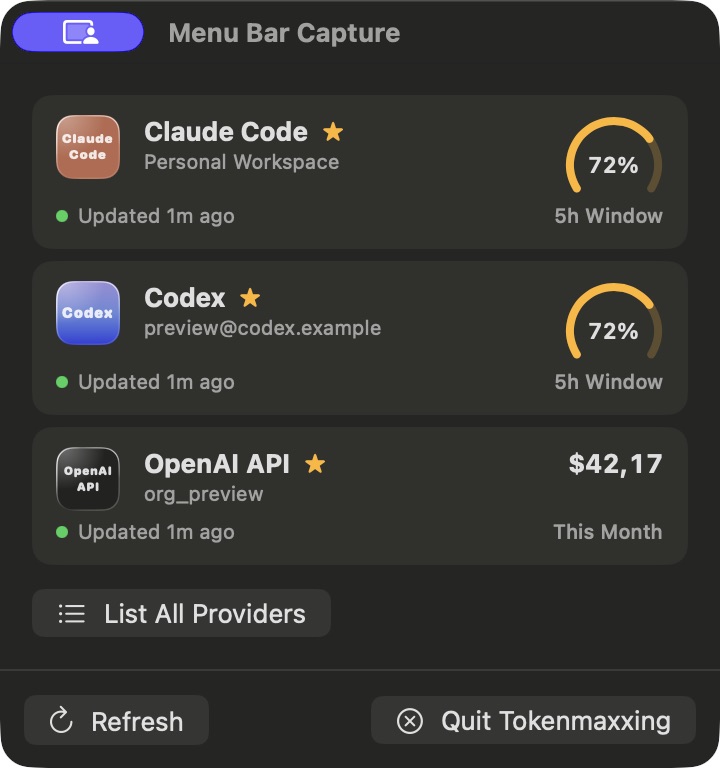
A quick look. Back to your work.
Check your selected accounts from the menu bar, then get straight back to your editor.

Your providers
Pin Claude Code, Codex or an API account.

Your display
Show a usage percentage beside the menu bar icon.
 Motivation Mode
Use it before it resets.
See your remaining capacity beside the time left in the window. Motivation Mode helps you spot when a plan is going unused.

Capacity + time
The next reset stays beside the usage gauge.

Used or remaining
Choose how you read your limits throughout the app.
iCloudSend your next coding-agent prompt from this device.
Away from MacKeep prompting when you leave your desk.
Lock your Mac or let it go idle. Get a reminder on your iPhone or iPad to pick up your next prompt.
Set the delay
Choose when your Mac should send the reminder.
Same iCloud account
Enable notifications on the device that receives it.
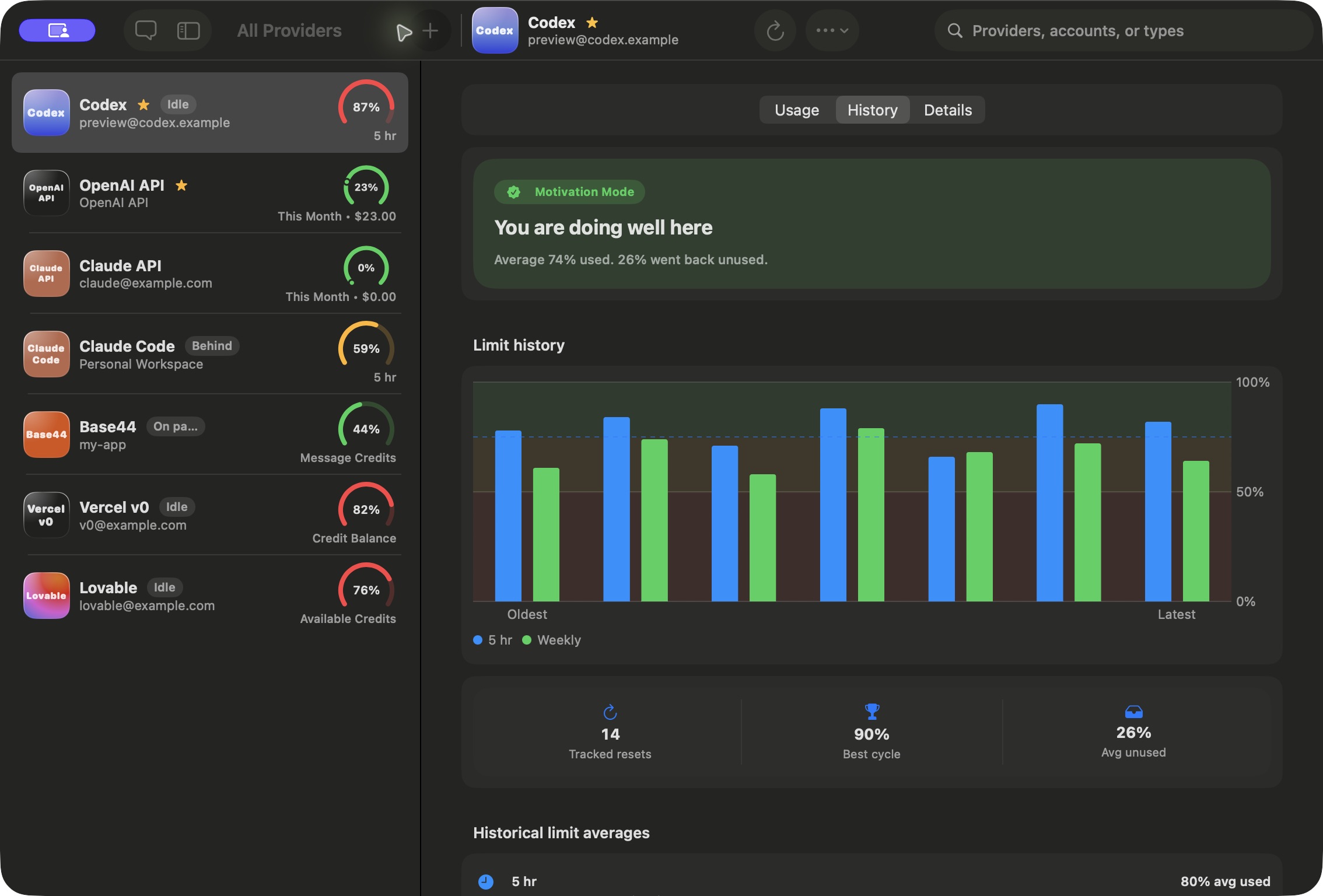
Usage historyHow much of your plan did you use?
Review the reset cycles Tokenmaxxing has tracked. Compare the capacity you used with what expired unused.
Cycle by cycle
Compare completed reset windows.

Used and unused
Find your average utilization over time.
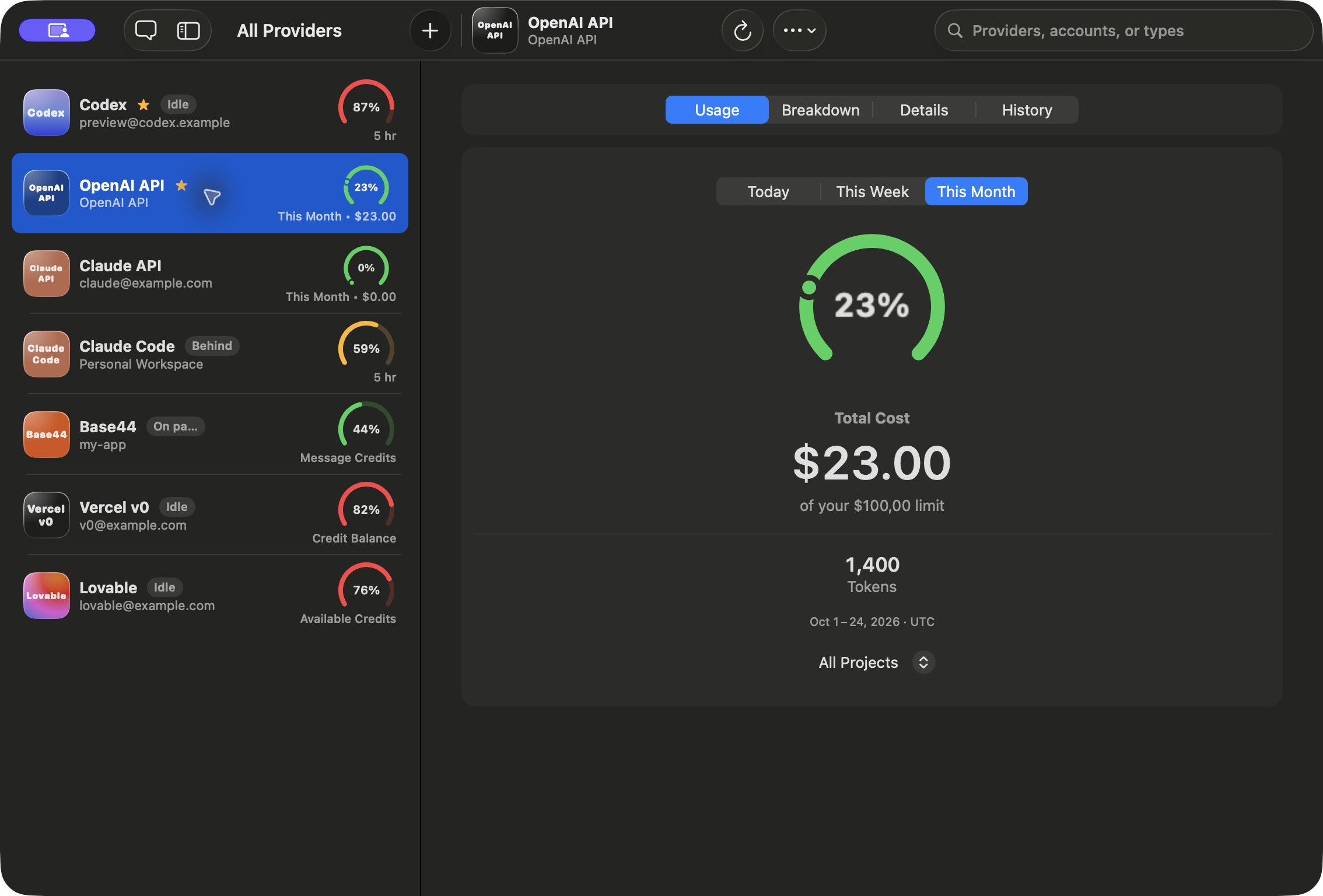
API spendingKnow what your API usage costs.
OpenAI and Anthropic API costs, token totals and reporting periods, alongside your coding-agent limits.

Spend alerts
Choose your own cost thresholds.

Cost records
Review history and import supported PDFs or CSVs.
A little more
space for your usage.
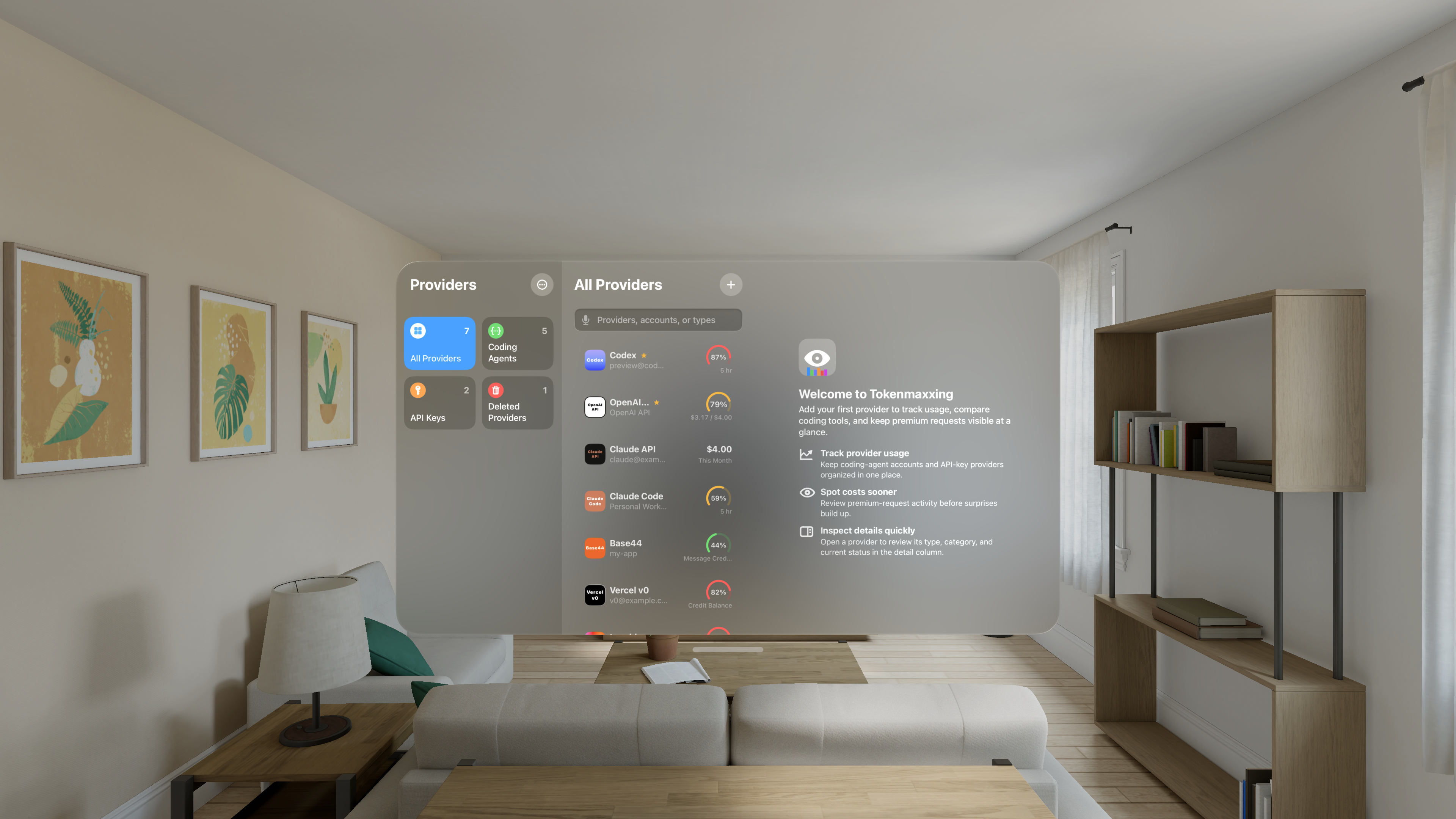
Tokenmaxxing for Apple Vision Pro is on its way. The same provider overview, made for a spatial workspace.
ALSO IN TOKENMAXXING
Widgets, alerts and account sync.
WidgetsUsage on your Home Screen.
Check a chosen account without opening Tokenmaxxing. Small and medium widgets support coding agents, AI agents and API providers.
Pick an account
Give a provider its own widget.
Pick a size
Small for a glance. Medium for more context.
Your full limit is back.
Time for your next session.
Reset notificationsGet notified when your limit resets.
Get notified when a supported limit resets, including early resets. Choose usage and API spend thresholds for your own reminders.
Reset reminders
Hear when capacity is available again.
Your thresholds
Set alerts around the usage that matters to you.
 Codex banked resets
Don't let a banked reset expire.
See when Codex grants a banked usage reset and when it expires. Tokenmaxxing can remind you before it goes unused.
Track it here
See availability and expiry in Tokenmaxxing.
Use it in Codex
Redeem the reset with your provider.
iCloud iCloud & Keychain
Your accounts, across your Apple devices.
Keep app records in sync through your private iCloud database. Apple Keychain stores your credentials.
iCloud
Private sync for app records.

Keychain
Secure storage for account credentials and supported renewable grants.
Connect your accountsConnect Codex, Claude and your API accounts.
Follow guided setup for your providers. On Mac, Tokenmaxxing can also find supported Codex and Claude accounts already on the device.
Guided connections
Connect the accounts you already have.

Local accounts on Mac
Find supported existing sign-ins.
Start free. Make room with Pro.
Free includes one active provider per category and ads.
Pro removes provider limits and ads.
Your existing provider accounts and any required subscriptions or API permissions are separate.